The JOURNEY Menu
Everything About the Current Journey
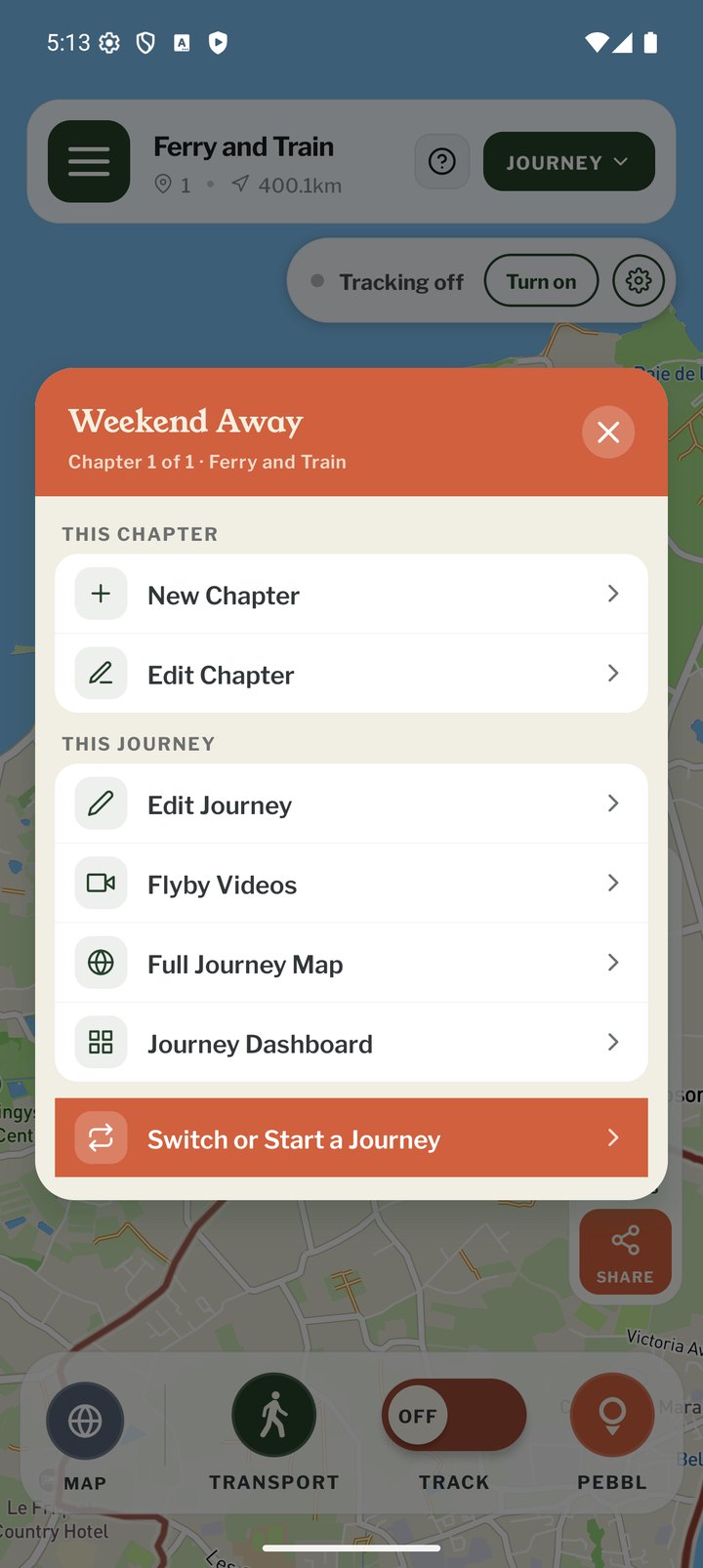
Tap JOURNEY at the top right of the map screen. The header shows which journey and chapter the actions apply to. This chapter: New Chapter and Edit Chapter. This journey: the rows below.
What's in It
- Edit Journey: title, description, web address, privacy, GPX and the End Journey button
- Flyby films: watch the flyby films for this journey's chapters
- Full Journey Map: the website map with every chapter
- Journey Dashboard: edit older journeys on the website without leaving your current one
- Switch or Start a Journey: begin a new journey or go back to a previous one
Ending a Journey
Stop tracking, open JOURNEY › Edit Journey and use End Journey at the bottom. The journey stays online and you can Resume This Journey, Edit Journey Details or View Map from the ended-journey screen. Ending is optional; many people simply start their next journey.