Editing Journey Details
Edit Journey
Tap JOURNEY › Edit Journey.
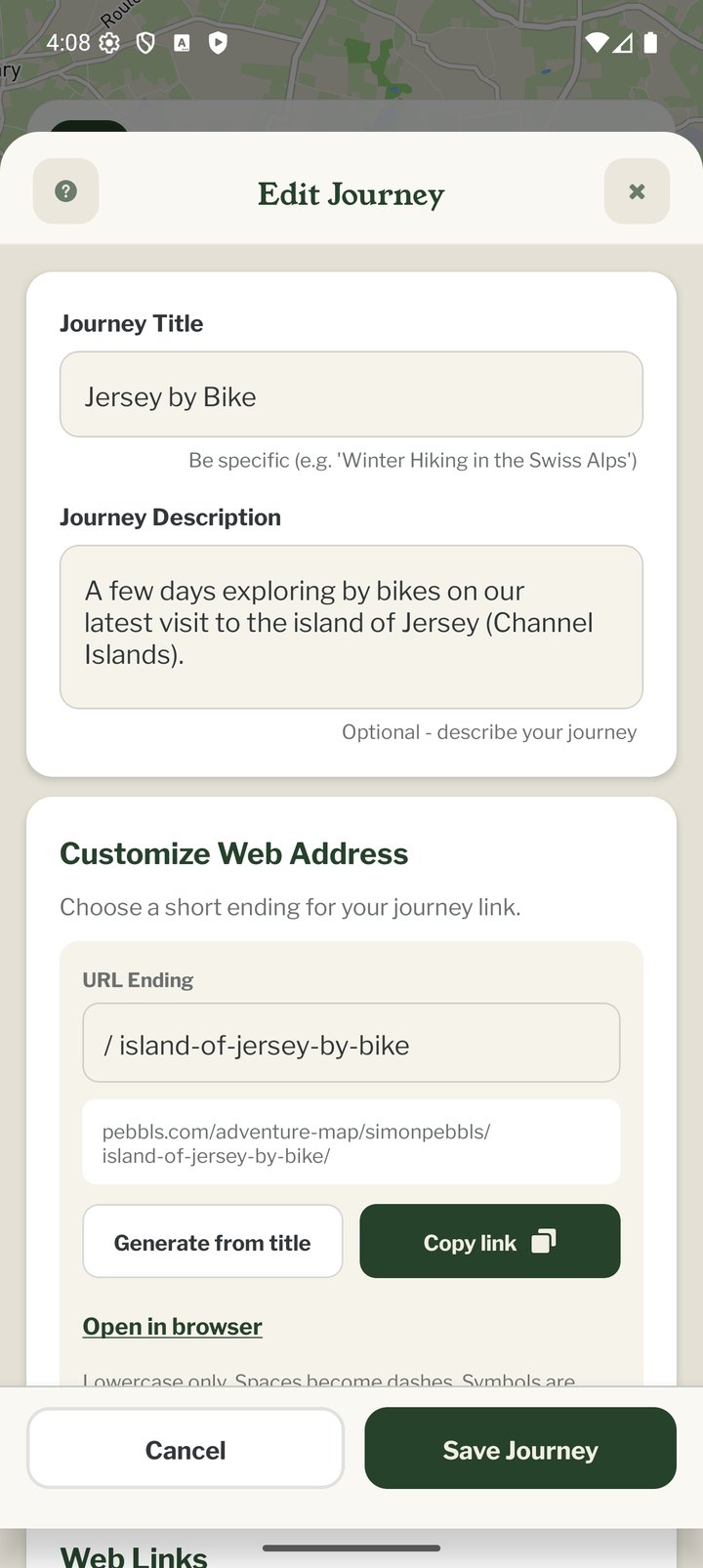
What You Can Change
- Title and description
- Web address: the last part of your journey's link, e.g. pebbls.com/adventure-map/you/coast-to-coast. At least 2 characters; lowercase letters, numbers and dashes. Changing it breaks links you have already shared, so set it early
- Web links: up to 3 links shown on your journey page, e.g. a blog or fundraising page
- Communities the journey is shared with
- Private Journey and password (Explorer)
- WordPress plugin details for embedding
- Download GPX for the whole journey
- End Journey and Delete Journey (Delete needs an internet connection)
On the Website
The Journey Dashboard on the website (menu › Journey Dashboard, or app.pebbls.com/dashboard) edits the same details in a browser and is the place to edit older journeys without switching the app away from your current one. See "Journey Dashboard" in the Website section.