What are Communities?
Overview
Communities are places where adventurers with a shared interest meet: a cycling club, a charity ride, a tour company's guests, or simply everyone who loves kayaking. Members share journeys to the community, talk in discussions and see each other's Pebbls on one map. Find them at app.pebbls.com/community or the Discover tab in the app's Browsing mode.
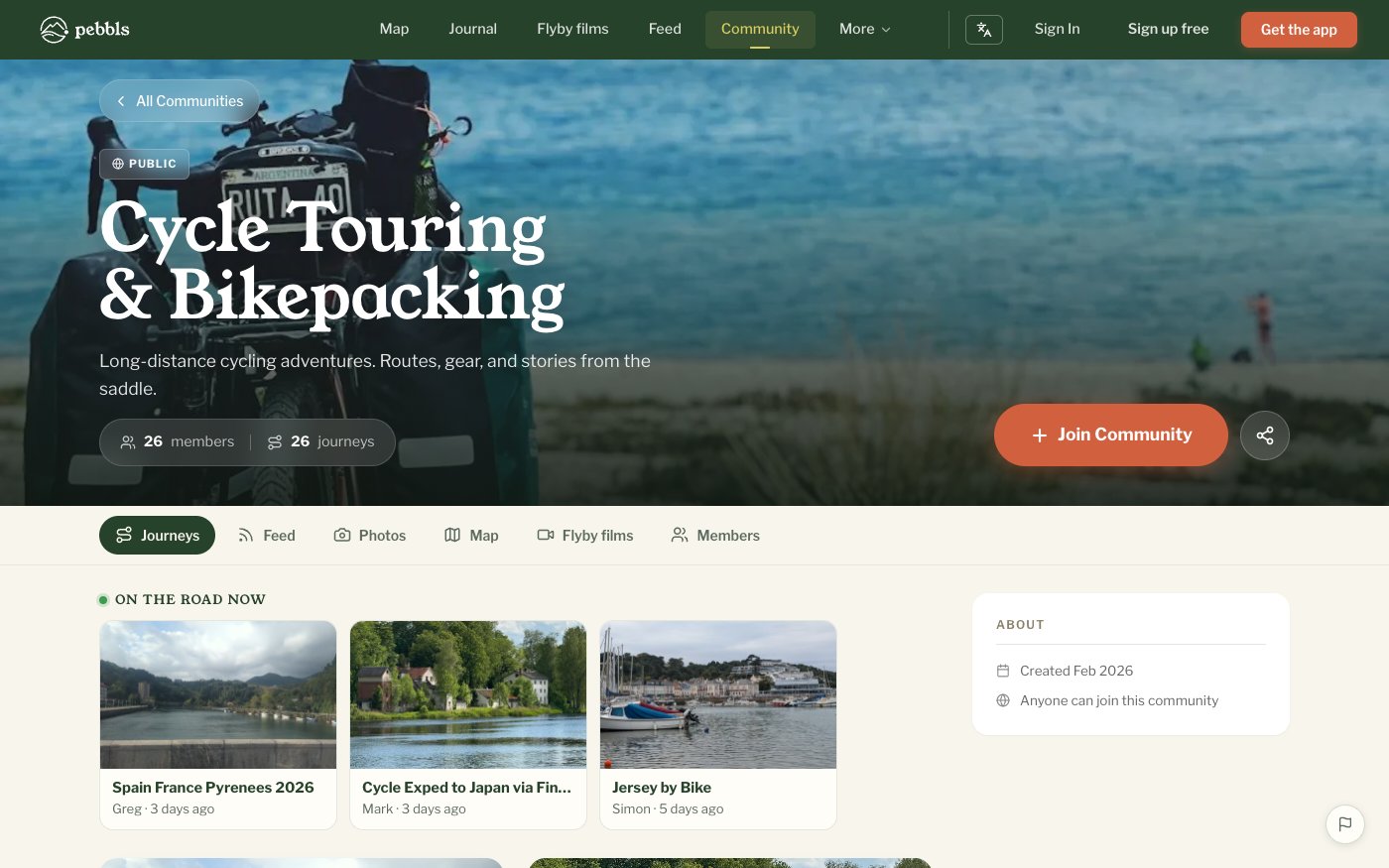
Types of Community
- Open communities: free, created by any member, always public
- Club Hub: a paid upgrade for clubs and teams that adds branding, private membership and approvals
- Business Hub: for tour operators and outdoor businesses, with a business profile and verified badge
- Charity Hub: free for registered charities, by application
What You Can Do
- Share up to 3 of your journeys to each community
- Start and join discussions
- See every shared journey on the community map and in its feed
- Browse members' photos and flyby films
- Follow other members
Added Automatically
Your public journeys join the community for how you travel (cycling, hiking, sailing and so on), and you join it too, so people who travel the same way can find them. Remove a journey from a community at any time and it stays out. To stop this, turn off Add my journeys to communities under Account › Communication on the website.
In the App
In Browsing mode the Discover tab lists Official Communities, Your Communities and Explore Communities, with search; tap Join or Request to Join. When you create or edit a journey, Add to Community lets you pick up to 3 communities. If you are offline the share is queued and sent later.