Joining a Community
Finding Communities
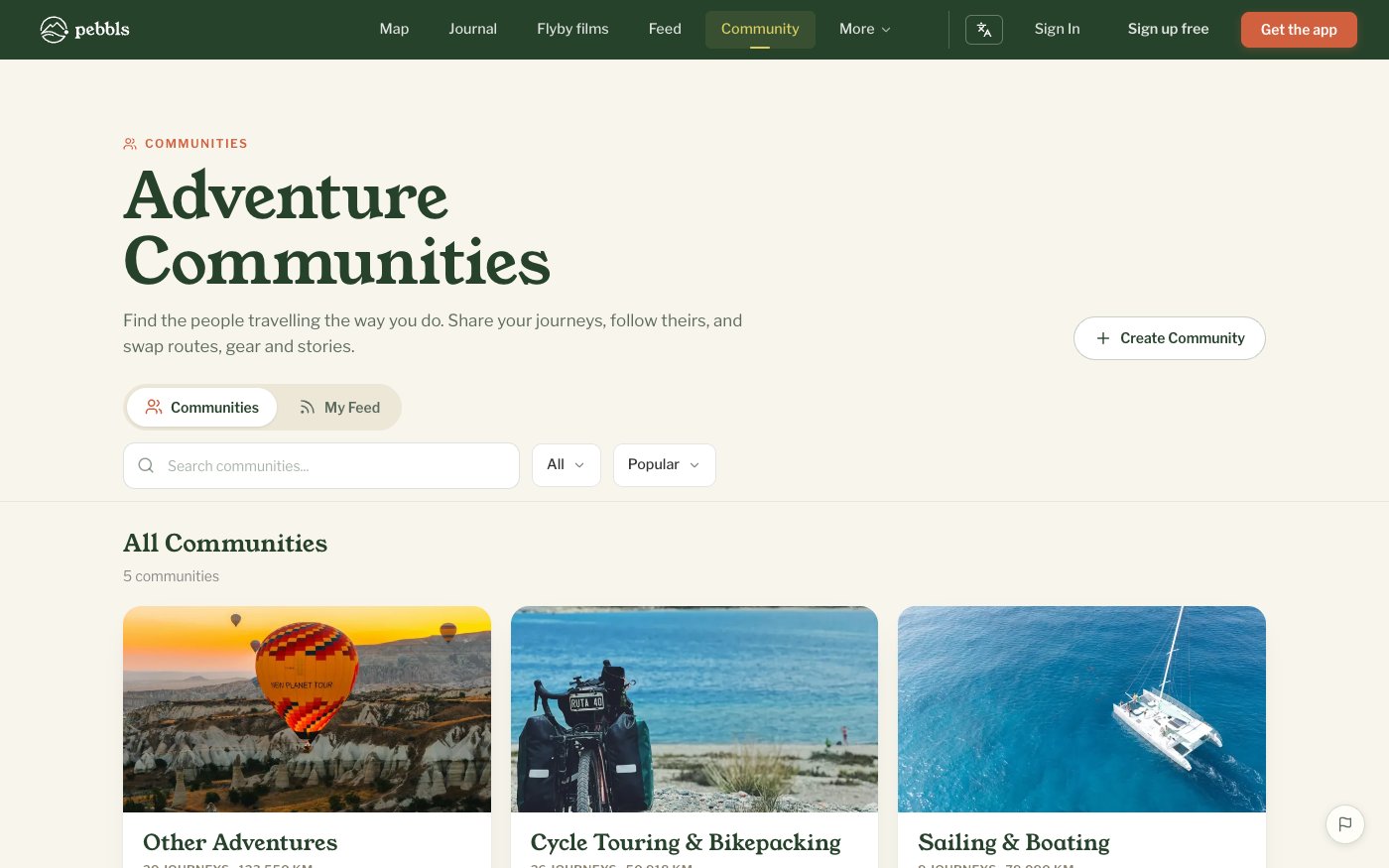
Browse app.pebbls.com/community. Your communities are at the top, then a featured community, all communities with the most recent activity first, and new communities waiting for their first journey. Search (it also finds journeys, chapters and Pebbls), filter by type (Open Communities, Club, Business or Charity Hubs) and sort by Popular or New.
How to Join
- Open the community
- Tap Join Community, or Request to Join if the Hub requires approval
- For private Hubs you need an invite link from an admin
Membership Status
While a request is waiting you see Pending and "Your membership request is awaiting approval". Once you are in, the community appears under My Communities.
Community Tabs
- Journeys: everything shared to the community, with On the road now (journeys updated in the last two weeks) at the top
- Feed: the latest Pebbls from those journeys
- Discussions: conversations
- Photos and Flyby films
- Map: all shared journeys on one map
- Members
- Profile: Business and Charity Hubs only
Posts From All Your Communities
My Feed on the communities page takes you to the feed with the My communities filter on: the latest posts from every community you belong to.
Leaving
Manage › Leave Community. Your shared journeys are removed from the community; they stay on your profile. If you own a Hub you must transfer admin, downgrade or delete it before you can leave.