Starting a New Journey
Where to Next?
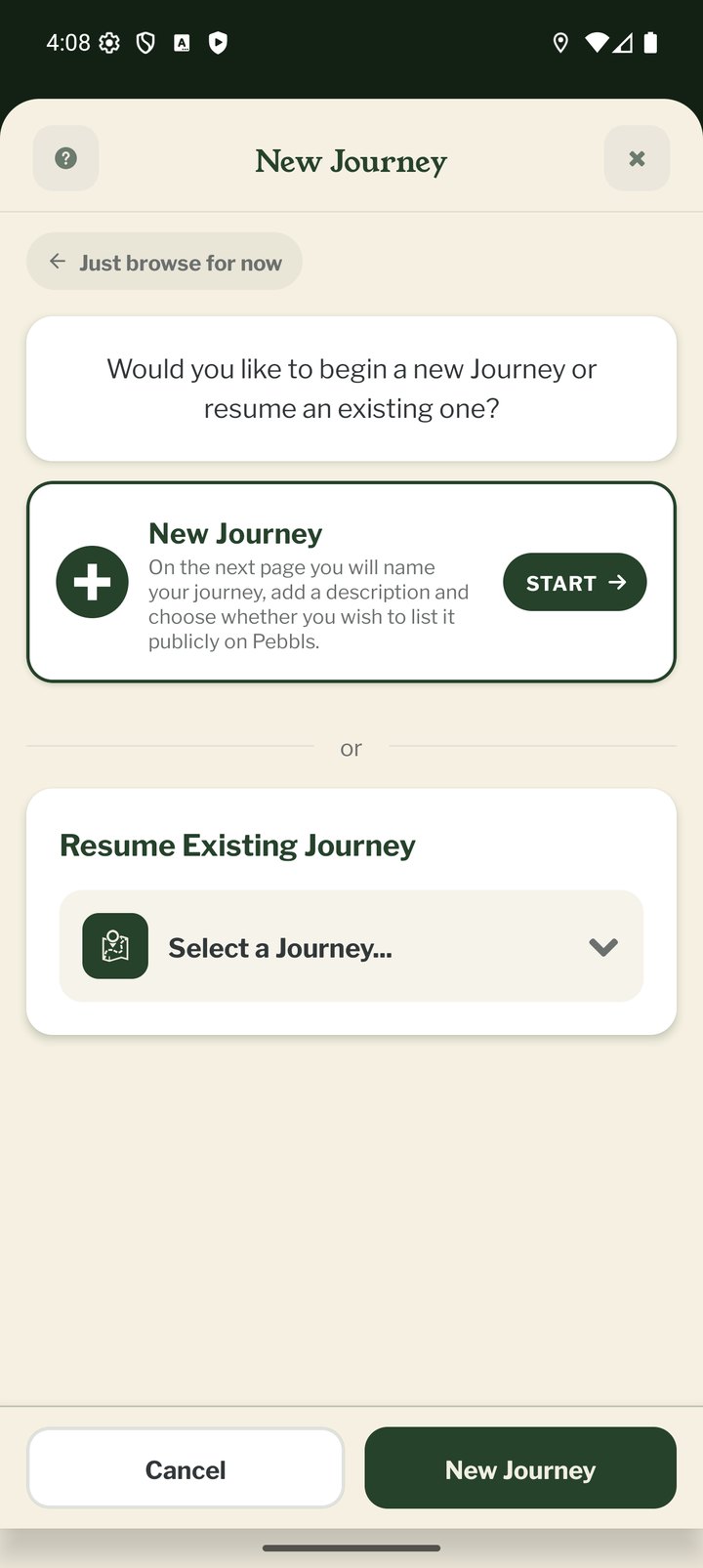
Tap Start my first journey on the Welcome page. After that, starting a journey opens Where to next?: a Start a new journey card at the top and, underneath, a searchable list of your journeys, newest first, with your current one marked. Pick one from the list to carry on with it instead.
Title and Description
Give the journey a title of at least 3 characters. Be specific: "Winter Hiking in the Swiss Alps" reads better than "Trip". The description is optional and you can edit both later under JOURNEY › Edit Journey.
Public or Private
The About your journey step asks who can see it. Public journeys appear in the feed, on the adventure map and in the Explorer Directory. Private (Explorer) keeps the journey off the public map and feed: only you, and people you send the link to, can see it. A private journey can also have a password (6 to 20 characters, no spaces). Public journeys can be added to one of your communities on the same step.
Your First Chapter
Every journey needs at least one chapter, so the app takes you straight into the New Chapter screens next. See "Starting a New Chapter".
Starting Another Journey Later
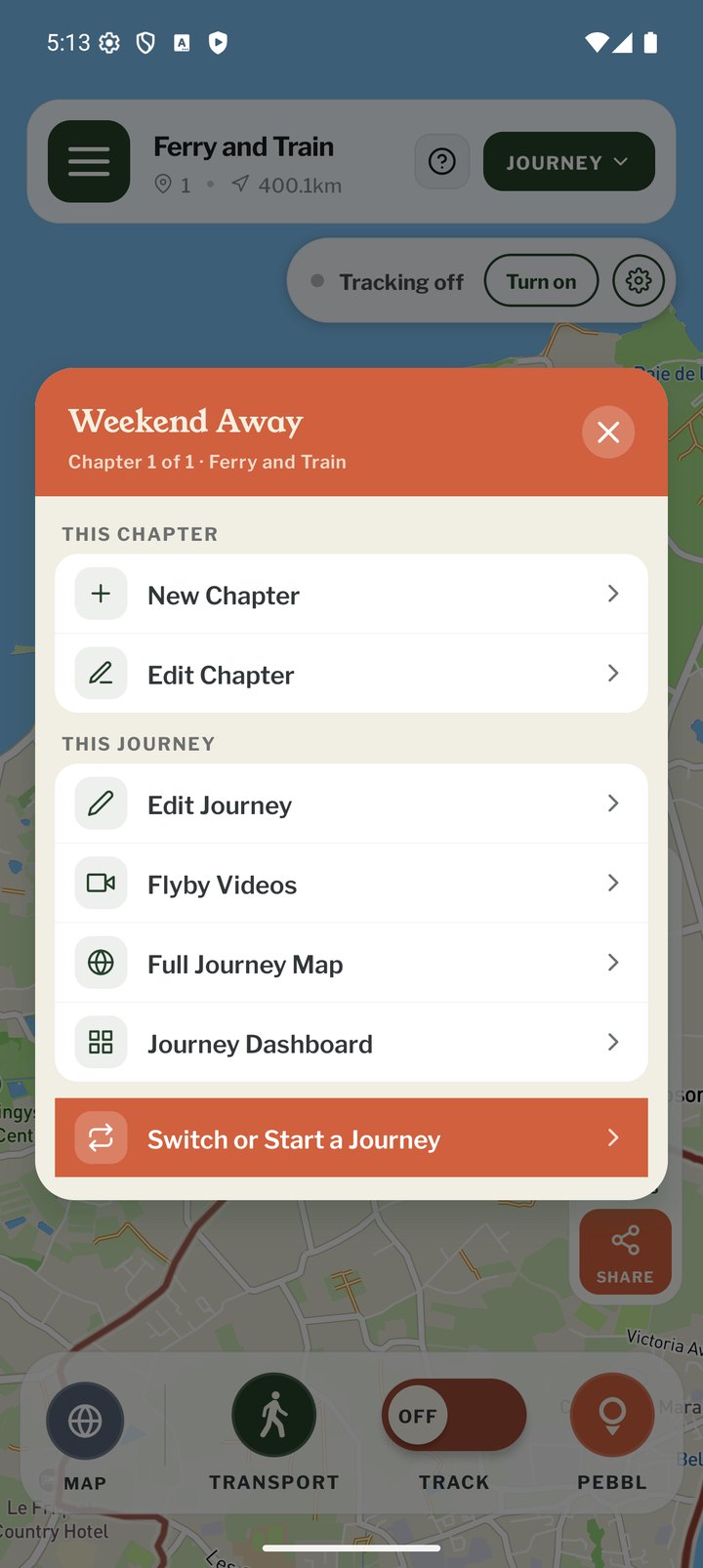
Tap JOURNEY at the top of the map screen and choose Switch or Start a Journey (tracking must be off first). It opens Where to next?, so you can start a new journey or go back to an earlier one. Your previous journey is kept.