Creating an Account and Signing In
Sign Up
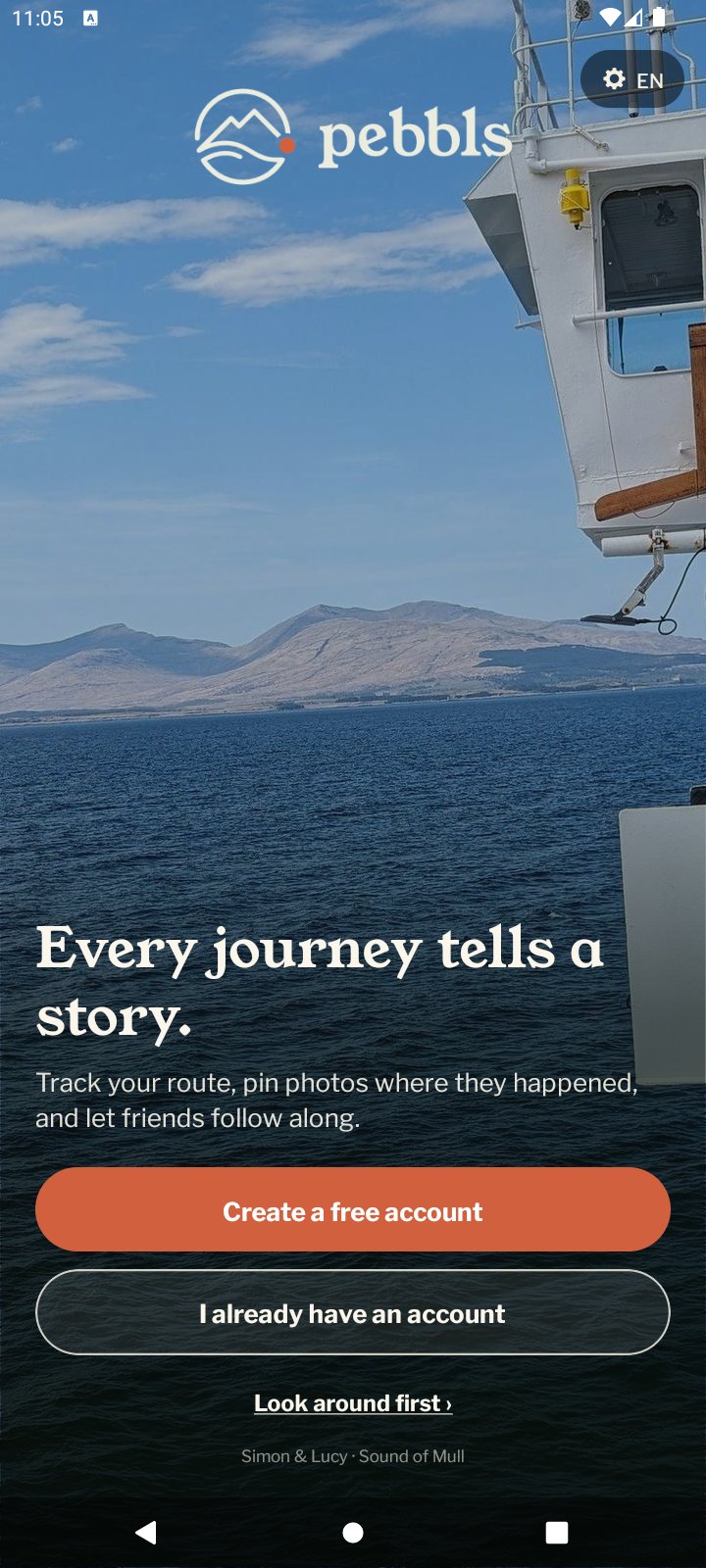
Tap Create a free account on the app's welcome screen, or Create account on the website. Sign-up is by email only; there is no Google, Apple or Facebook login.
- Enter your email address and we send you a 6-digit code
- Type the code to verify your email
- Choose a nickname. This becomes your web address, e.g. pebbls.com/explorers/your-nickname. At least 3 characters, starting with a letter; letters, numbers, hyphens and underscores only
- Add a display name, which is how others see you
- Choose a password of at least 8 characters
Sign In
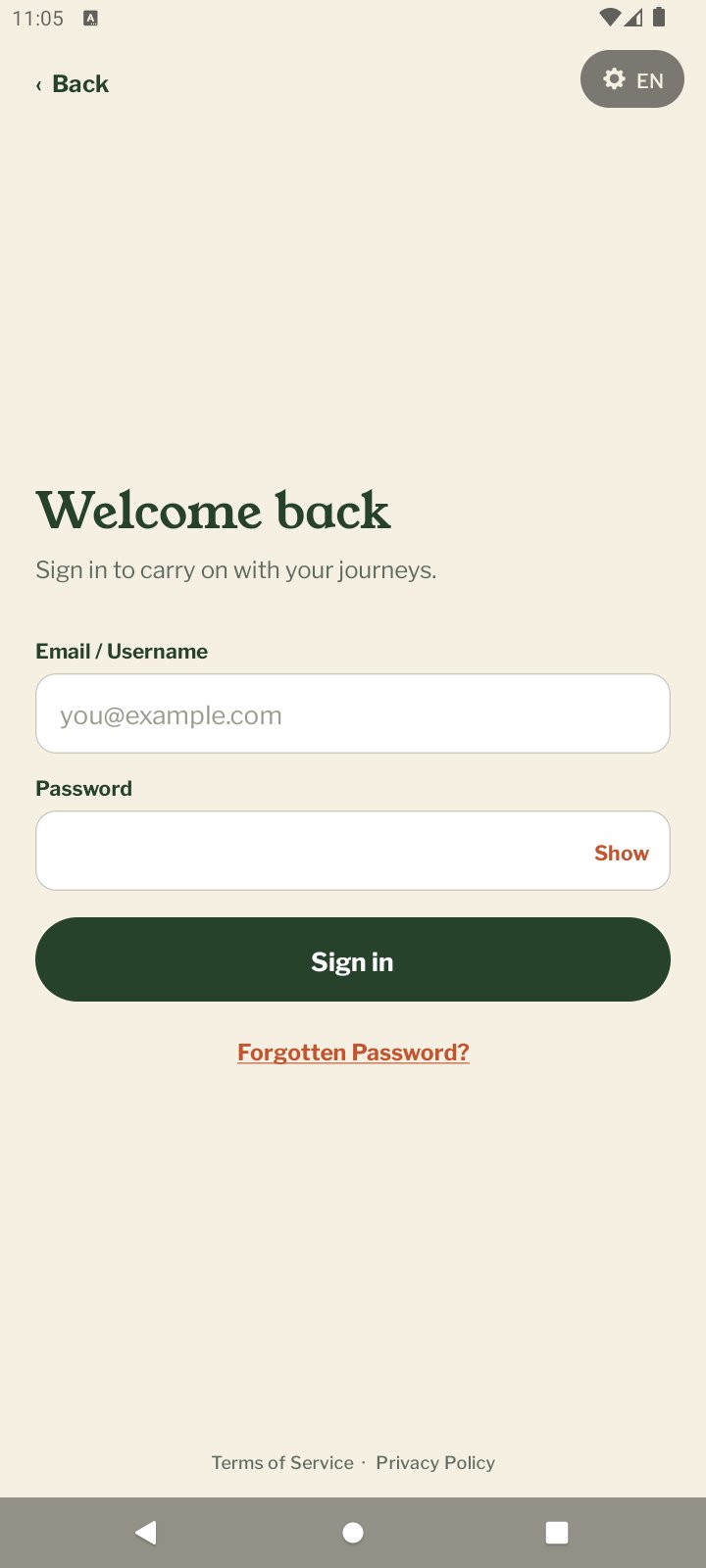
Tap I already have an account on the welcome screen and sign in with your email address or nickname and your password. Show lets you check the password as you type it. If something goes wrong the reason appears under the fields: no internet connection, Pebbls can't be reached right now, or an email or password that doesn't match, which also offers Reset your password. If you see "Your account needs to be activated", tap Resend Activation Link and follow the email. Terms of Service and Privacy Policy are at the bottom of the sign-in page.
Forgotten Password
Tap Forgotten Password? on the app's sign-in page, or Forgot password? on the website, and we email you a reset link. New passwords need at least 8 characters. The same reset email is how you change your password later; there is no change-password form inside the app.
Just Looking?
You can browse the feed, map and journals on the website without an account. In the app, tap Look around first on the welcome screen to open the website inside the app. Once you have signed in, "Not ready yet? Look around" on the Welcome page switches the app to Browsing mode.