Flyby Films
What are Flyby Films?
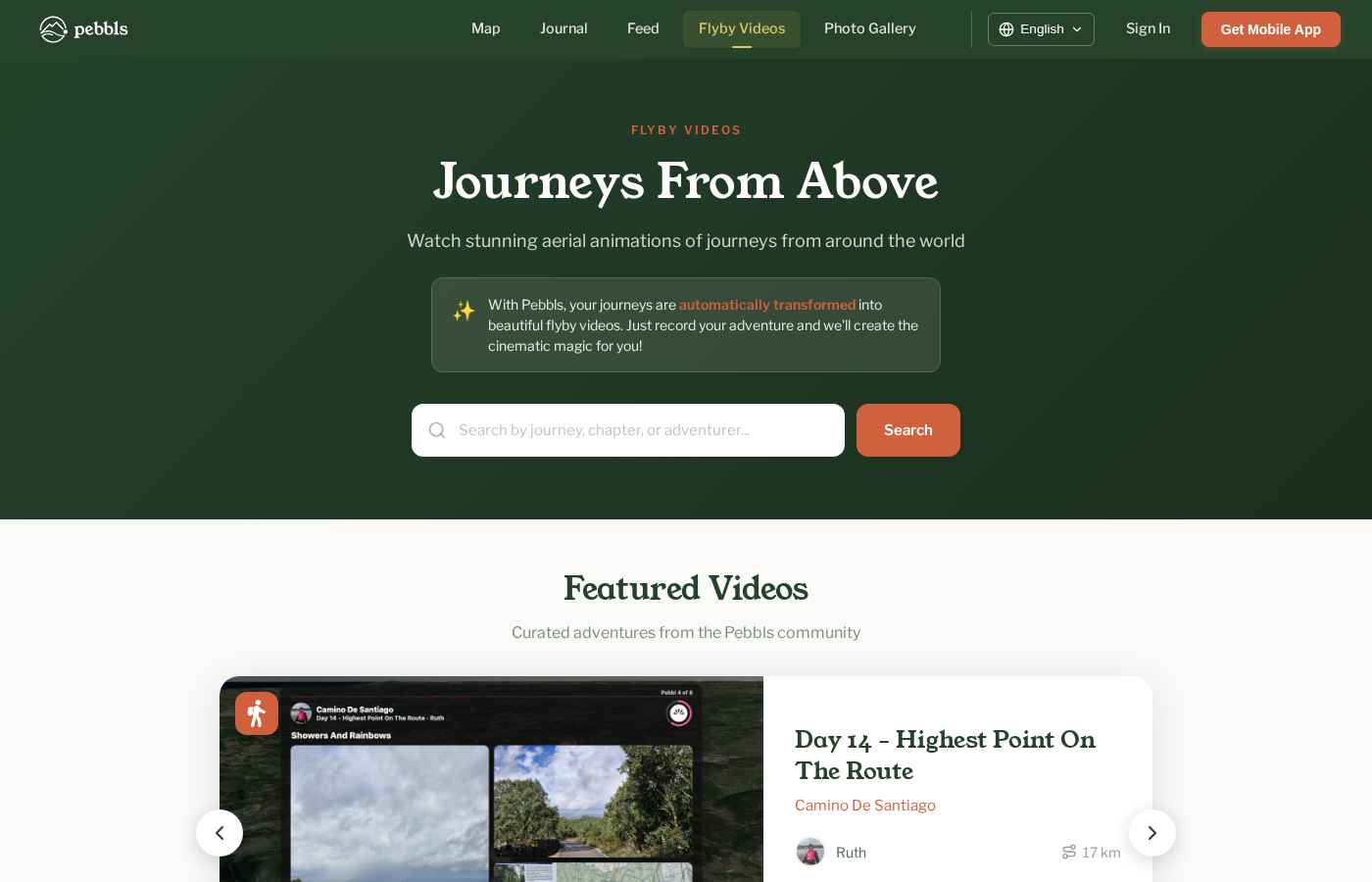
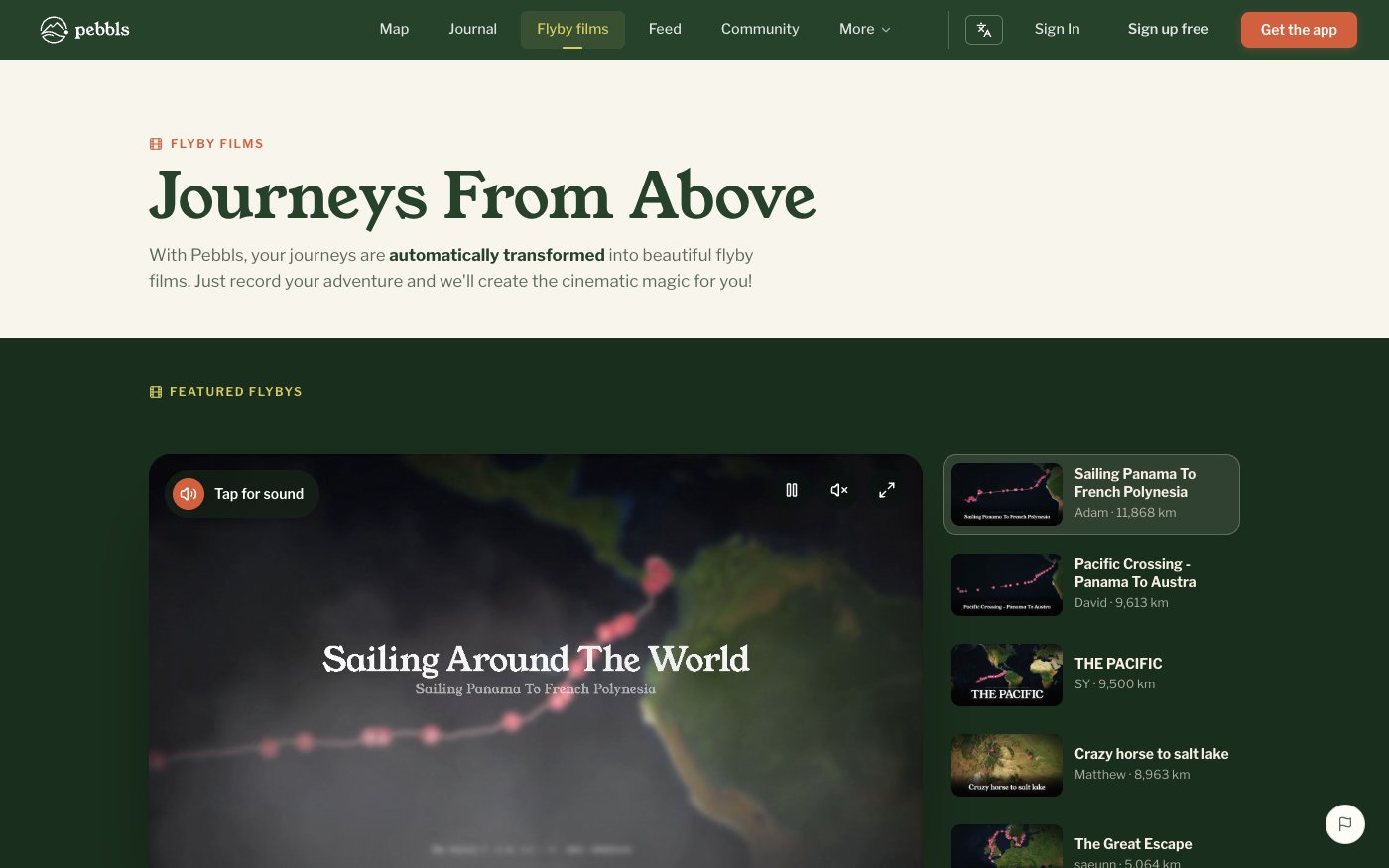
A flyby film is a short cinematic film that flies over a 3D map along your route, pausing at your Pebbls and photos, with music. They are made automatically and are free for everyone.
Which Chapters Get One
Flyby films are made per chapter, not per journey. A chapter qualifies when it has:
- more than 5 km of route (and less than 15,000 km)
- a recorded track of more than 120 GPS points
- at least 3 Pebbls
- at least 4 photos
- no flying transport
When It's Made
The film is queued about an hour after the last change to the chapter, and rendering takes anything from 15 minutes to a few hours depending on the queue. You get a notification when it is ready. If you add Pebbls, photos or track edits later, the film is made again; until the new version is ready the previous one keeps playing, and the website shows "New version rendering…" on it. There is no request button; the Flyby films screen in the app shows each chapter's film, or why a chapter doesn't have one yet.
Formats
Every flyby is produced in landscape (widescreen, for YouTube and TVs), portrait (upright, for Stories and Reels) and square (for feeds).
Where to Watch
- App: menu › Flyby films for everyone's films (also a tab in Browsing mode), menu › My flyby films for your own, JOURNEY › Flyby films, or the notification when your film is ready
- Website: app.pebbls.com/flyby-videos (switch between Everyone and People you follow), at the top of each chapter in the journal, Watch flyby on the map, your profile's flyby tab and community flyby tabs
Download and Share
From the player choose Share film (sends the film itself), Share link, Save (choose a format) or QR Code. Saved films go to your phone's photo gallery.
Reactions and Comments
Flyby films have reactions and comments, just like Pebbls: in the film viewer on the website, at the top of journal chapters and on flyby posts in the feed. You see them on your Notifications screen.