Adventure Map
Every Journey on One Map
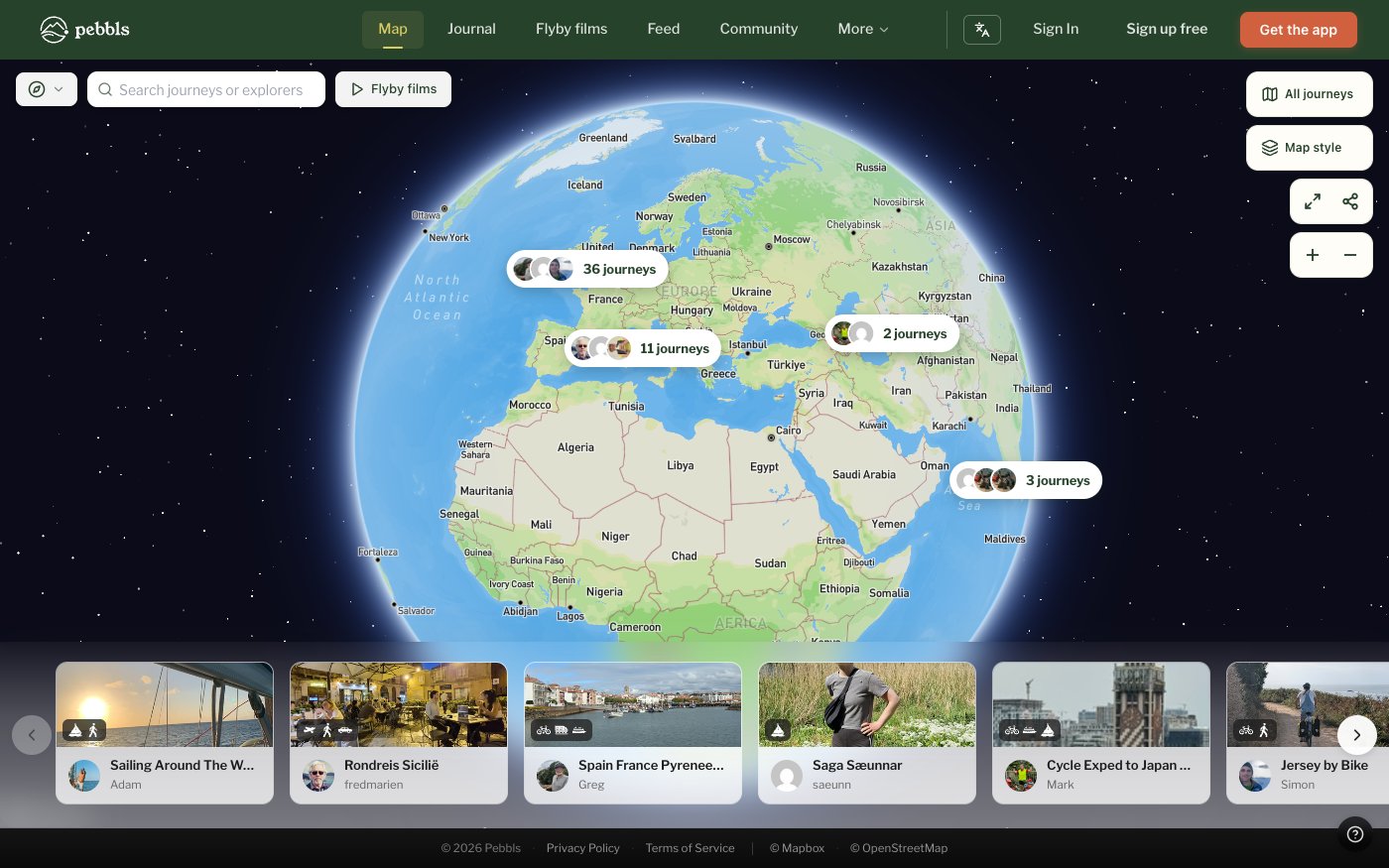
app.pebbls.com/adventure-map opens on a globe with every public journey. Journeys close together are grouped into one bubble ("5 journeys"); click it to zoom in. Click a journey on the map, or a card in the carousel along the bottom, to open its route and Pebbls. Your own journey link (pebbls.com/adventure-map/you/journey) opens straight on that journey. On your first visit a short tour points out the journey carousel, the map controls, the Pebbl navigator and the keyboard shortcuts.
Finding Journeys
At the top left you can filter by type of travel (Walking, Cycling, Sailing and so on; only types that have journeys are listed, each with a count), search for a journey or an explorer, and jump to Flyby films.
Map Controls
- All journeys: back to the overview
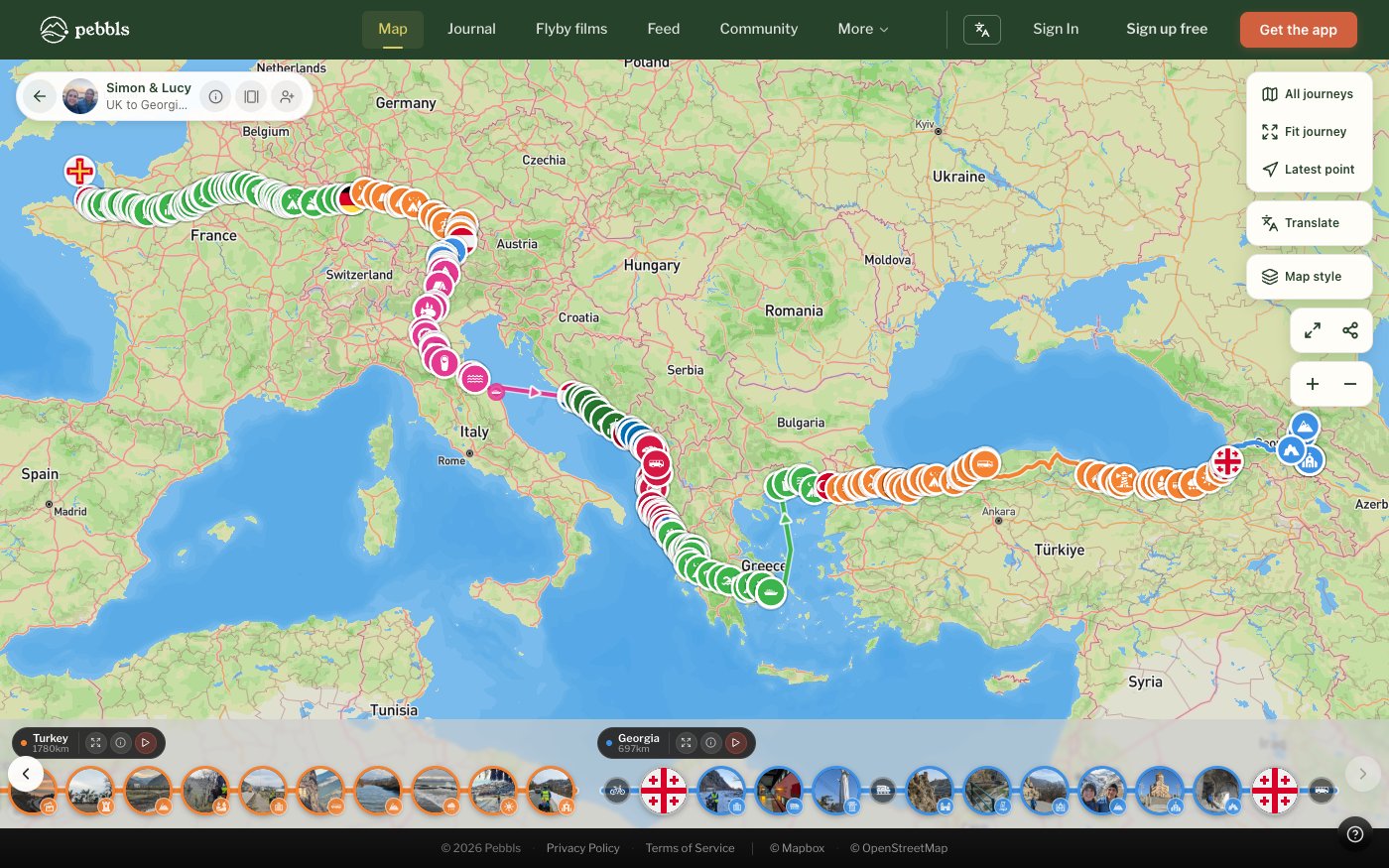
- Fit journey and Latest point
- Map style: Pebbls Adventure, Morning Mist, Midnight Explorer, Eagle Eye (satellite), Sky Navigator, Urban Trail or Treasure Map
- Translate: show Pebbl text in your language or the original
- Fullscreen, Share and zoom. On a phone, Translate, Map style and Share are under More
- Keyboard: F fits the journey, L jumps to the latest point, H shows all journeys, arrow keys move between photos and Pebbls, Esc closes
Chapters and Pebbls
Open a journey to see its panel: the explorer with Follow, then Zoom to Journey, Download GPX (Explorer), Share, Photos, Watch Flyby and View in Journal, the journey's stats and its chapters (marked Flyby where there is a film). Each chapter has its own panel with Zoom to Chapter, distance and elevation, Download GPX, Watch Flyby, Share, Photos and View in Journal.
On a Phone
Tap a Pebbl and it opens as a sheet over the lower half of the map, so you can still see where it is. Swipe the handle up to see the whole Pebbl, down to shrink or close it, and sideways for the next photo or Pebbl.
Slideshow
Click Photos on a journey or chapter to play its photos full screen. Set the interval, press Space to pause, use the arrow keys to move between photos and Esc to close. The slideshow has its own link you can share.
Live Journeys
Journeys being tracked live show a LIVE badge and refresh as new points arrive, and the map tells you when someone goes live or stops. Follow keeps the map centred on the moving marker.
Password-Protected Journeys
Enter the password the owner gave you (the site calls it an access code). The page remembers it for 24 hours; Lock Journey forgets it sooner.